


In an era where digital threats are more pronounced than ever, selecting the right web browser is essential for protecting personal and organizational data. This article delves into ten of the safest web browsers available in 2025, each boasting unique features designed to bolster online security and defend against increasingly sophisticated cyberattacks.
With numerous options flooding the market, how can users discern which browser genuinely provides the best protection? Explore this comprehensive guide to uncover the leading contenders and understand what distinguishes them in the quest for a secure browsing experience.
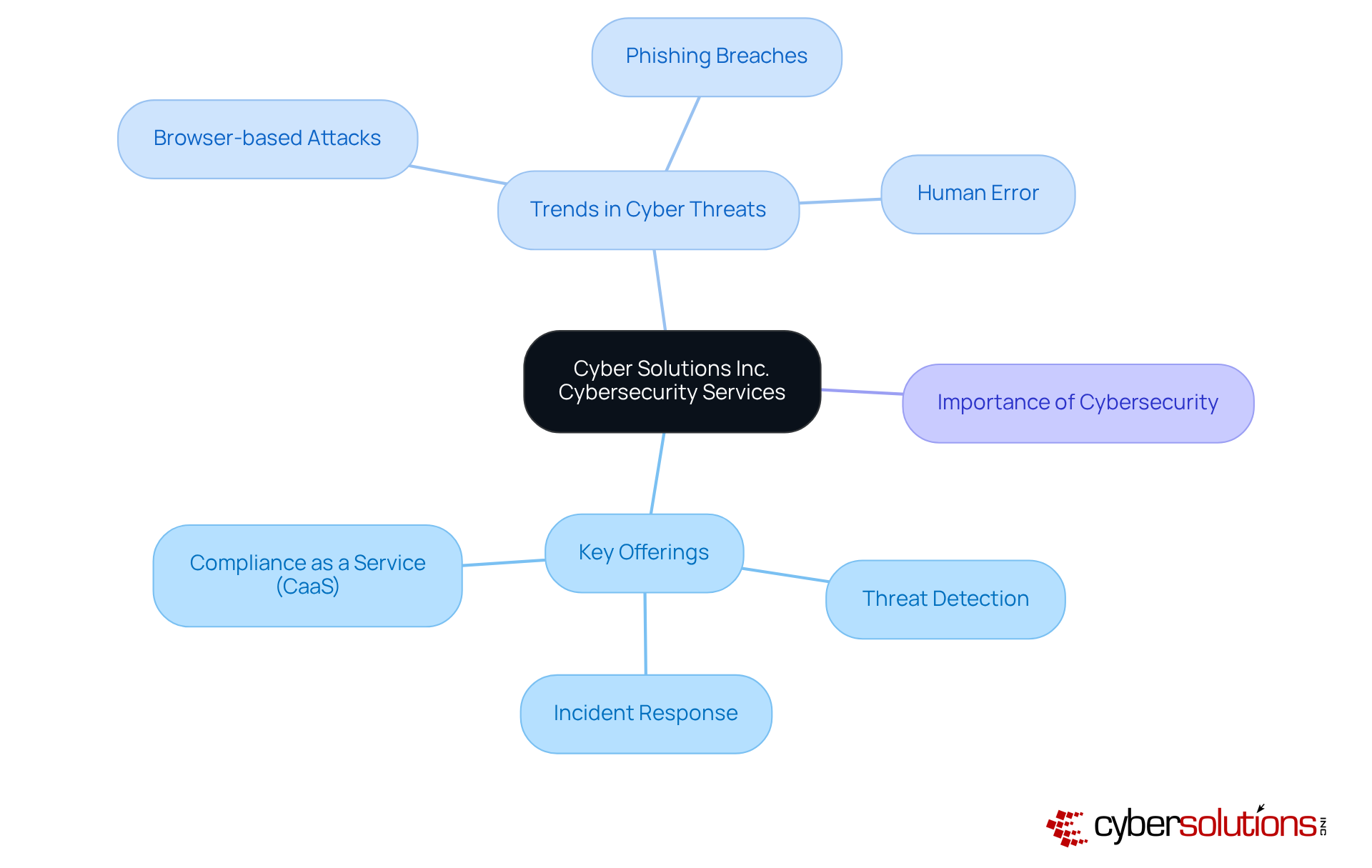
Cybersecurity is not just a necessity; it is a critical component of modern business operations. Cyber Solutions Inc. offers a comprehensive range of cybersecurity services meticulously designed to shield organizations from digital threats. Key offerings such as threat assessments, vulnerability management, and incident response empower businesses to effectively secure their activities by using a robust security framework. By leveraging these services, organizations can focus on their core operations, confident that Cyber Solutions is diligently protecting their online presence against the ever-evolving landscape of digital threats. This proactive approach not only fortifies protection but also enhances overall security posture, underscoring its vital role in the use of a secure web browser.
Recent trends reveal a troubling increase in browser-based attacks, with phishing schemes and sensitive data breaches. For instance, a report indicated that phishing was involved in 14% of breaches related to credential theft, emphasizing the urgent need for cybersecurity awareness and comprehensive training for individuals. Furthermore, the Verizon 2024 Data Breach Investigations Report highlighted that 68% of breaches stemmed from unintentional human errors, reinforcing the critical necessity for ongoing education.
In practical applications, advanced security measures and capabilities are essential. By deploying advanced monitoring systems, the company has successfully mitigated risks and reacted promptly to incidents, ensuring minimal disruption to client operations. As threats evolve, timely responses coupled with a well-coordinated incident response plan is essential for maintaining organizational resilience in the face of cyber threats. This holistic approach to cybersecurity not only protects sensitive information but also fosters a culture of awareness within organizations, establishing it as a foundational element of using a secure web browser.
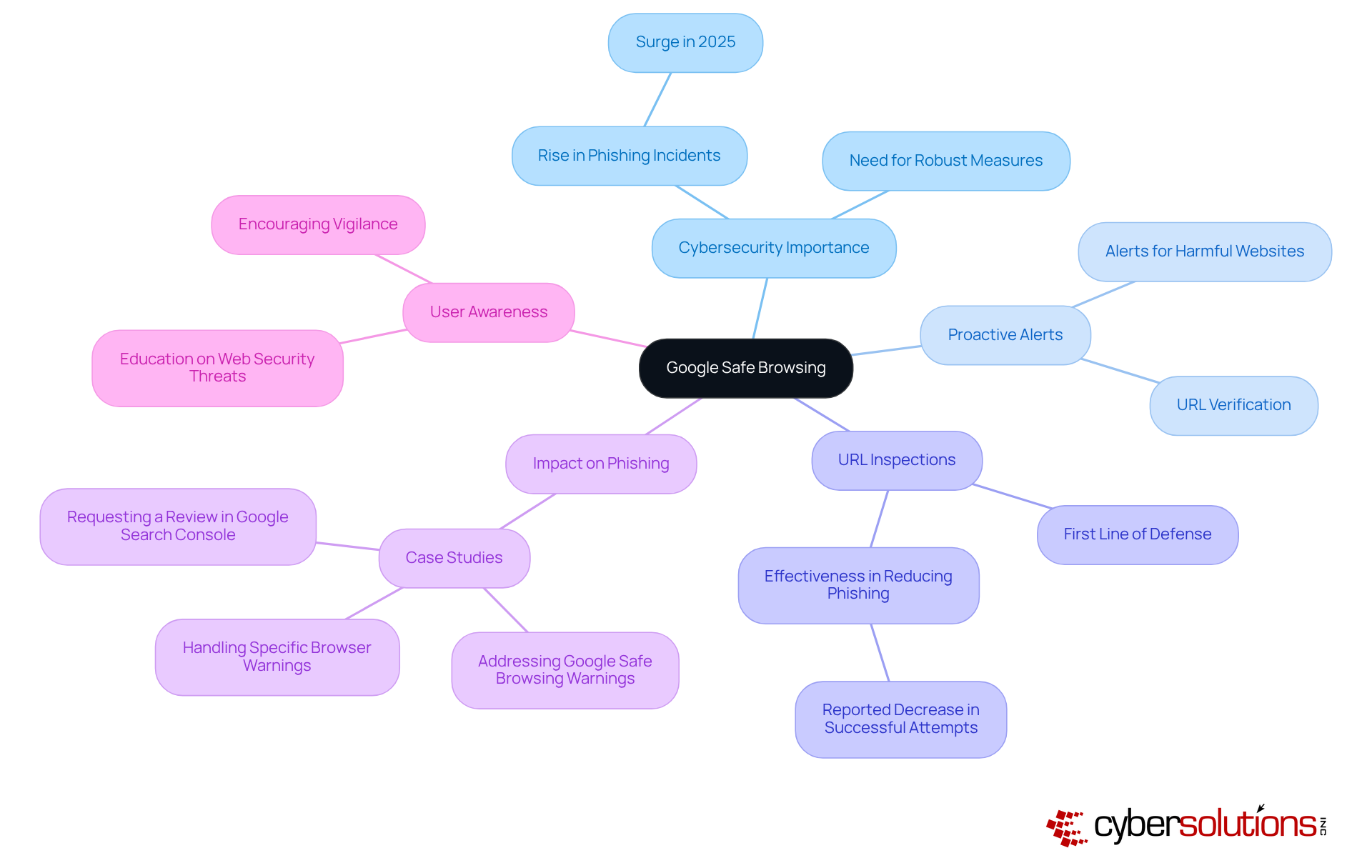
In today's digital landscape, online security is not just a necessity; it is imperative. Google Safe Browsing is a feature that stands out as an essential tool integrated into various web browsers, providing proactive alerts regarding potential threats. This service consistently verifies URLs against a comprehensive database of recognized phishing and malware sites, effectively safeguarding individuals from inadvertently compromising their security. With cyber threats surging in 2025, organizations must recognize tools like Google Safe Browsing as indispensable allies in their efforts to enhance online safety.
Cybersecurity experts emphasize the critical role of URL inspections within web browsers, asserting that these inspections serve as the first line of defense against phishing attacks. Organizations that have implemented a security framework, specifically utilizing Google Safe Browsing, report a marked decrease in successful phishing attempts, showcasing its effectiveness in real-world scenarios. By leveraging this technology, individuals can significantly mitigate the risk of falling victim to online scams and malicious software, thereby ensuring a safer browsing experience.
As phishing strategies evolve, the necessity for robust protective measures becomes increasingly essential. Google Safe Browsing not only alerts individuals to potential threats but also fosters a culture of awareness. It encourages users to remain vigilant while navigating the web, reinforcing the importance of cybersecurity in today's cyber environment.
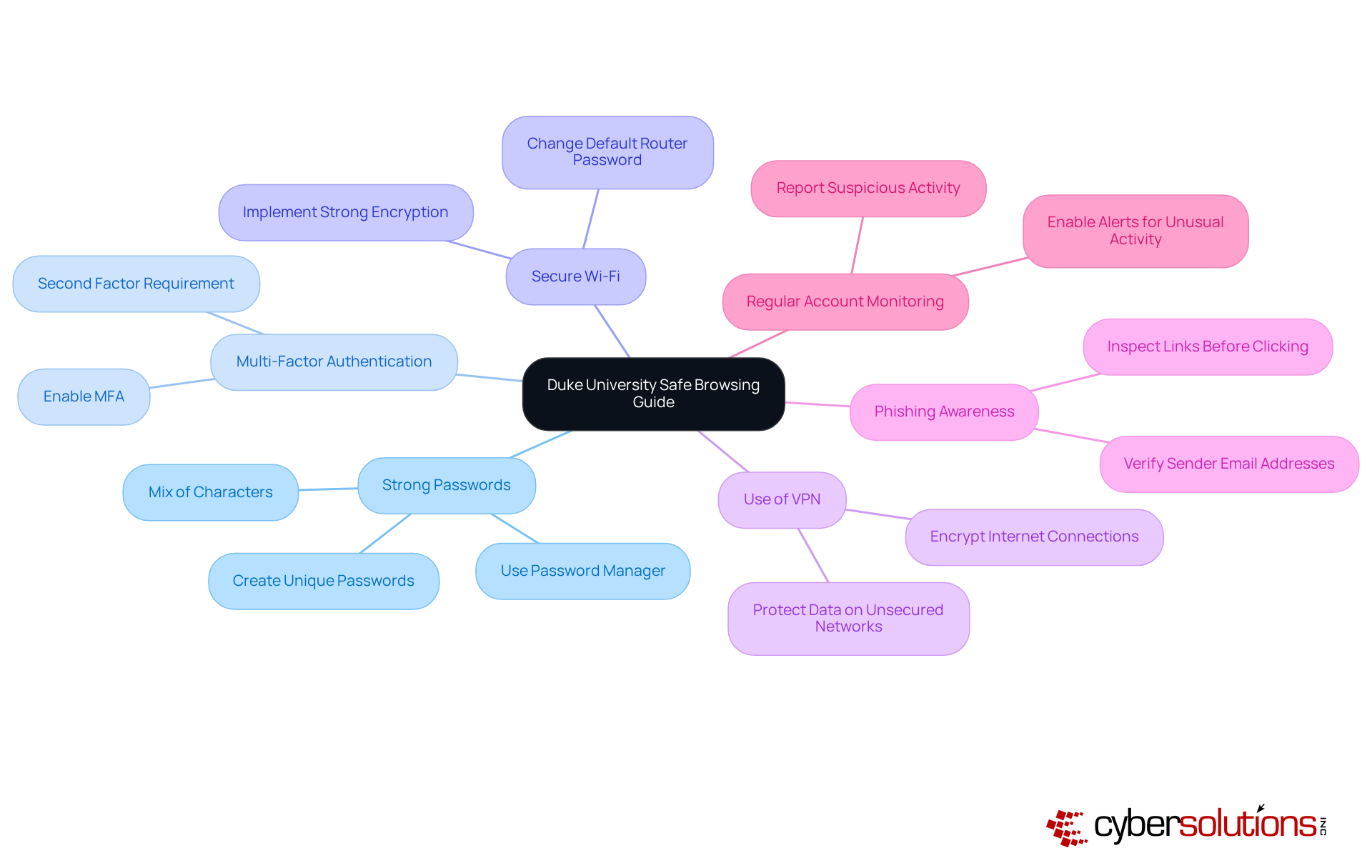
Duke University's Safe Browsing Guide highlights the critical importance of utilizing a secure web browser for internet security in today's digital landscape. To fortify their defenses, individuals are urged to adopt essential techniques, such as:
By exercising vigilance regarding the information shared online and routinely reviewing account settings, individuals can significantly bolster their security posture. To combat cyber threats effectively, specific strategies should be employed, including:
Real-world examples vividly illustrate the efficacy of these practices: organizations that have instituted strong passwords and MFA have reported a substantial reduction in unauthorized access incidents. Furthermore, educational initiatives that promote awareness of online security and safe social media habits have proven successful in mitigating cyber threats. By embracing these best practices and using a secure web browser, individuals not only protect themselves but also contribute to fostering a safer digital environment for their communities.
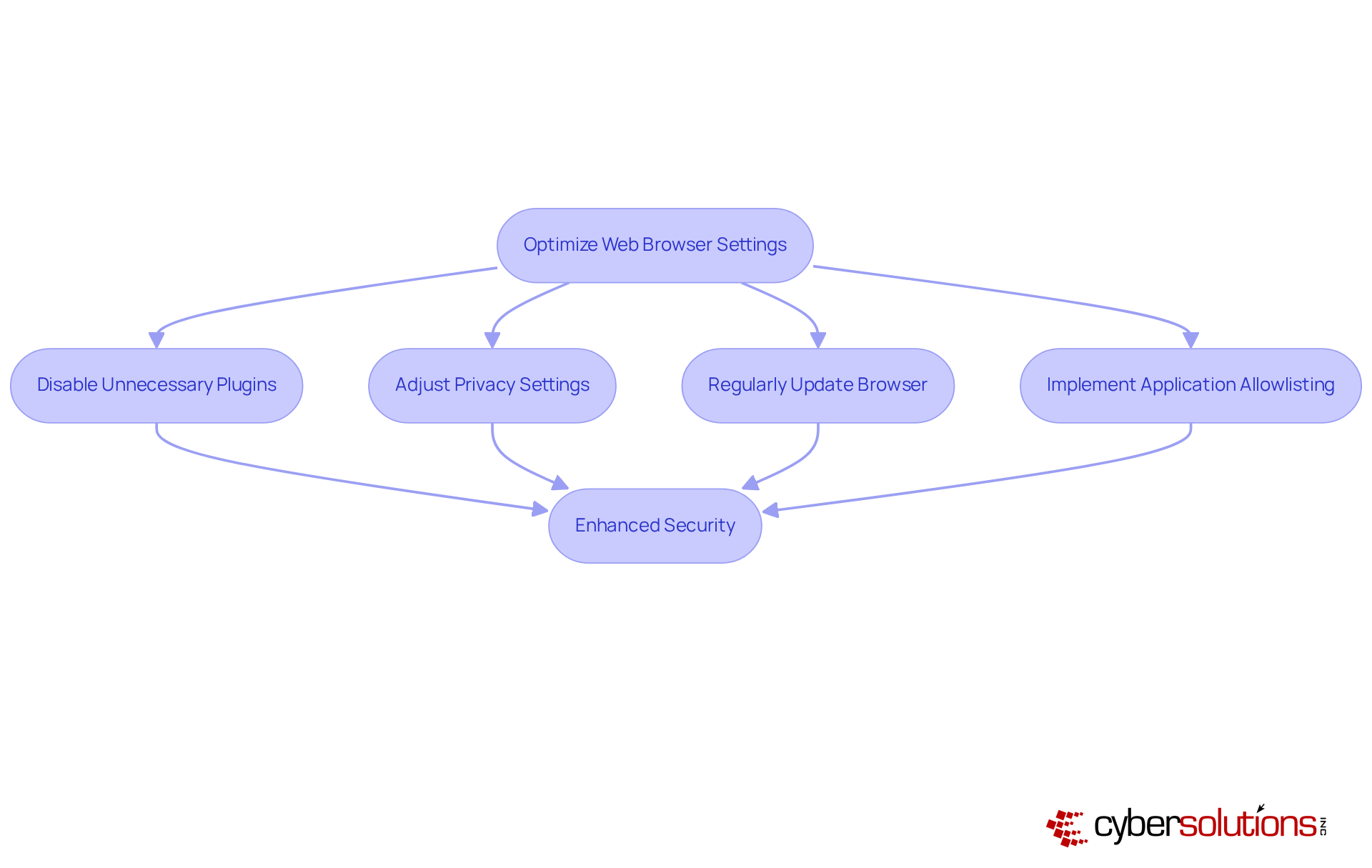
CISA provides essential resources to empower users in enhancing protection with a web browser. It is critical to disable unnecessary plugins, as this can reduce potential exploits. Additionally, adjusting privacy settings and regularly updating the browser are vital steps to address security vulnerabilities.
Organizations that have followed CISA's guidelines have reported improvements, effectively mitigating risks associated with browser vulnerabilities. Furthermore, the implementation of application whitelisting can further strengthen these efforts by ensuring that only approved applications are permitted to run. This practice prevents unauthorized software from executing, thereby enhancing security.
CISA also aids organizations in meeting compliance requirements such as GDPR, thus ensuring adherence to stringent data protection protocols. By integrating with security tools, individuals can foster a more secure browsing experience through the use of a VPN, minimizing their exposure to cyber threats.
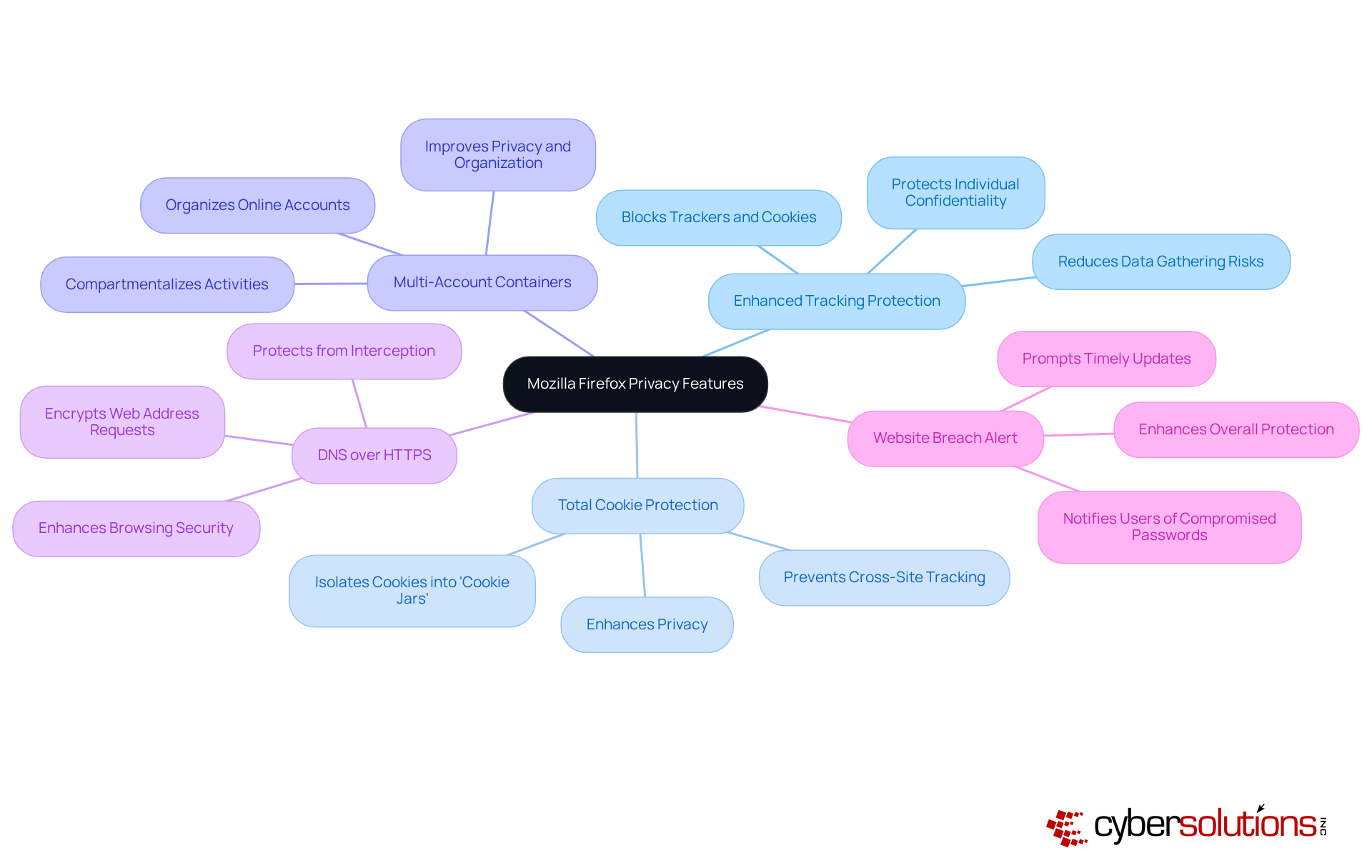
In an era where online security is paramount, Mozilla Firefox is recognized as a safe web browser due to its features designed to enhance secure browsing. Central to this offering is Enhanced Tracking Protection, which effectively blocks trackers and cookies that jeopardize individual confidentiality. As we navigate the complexities of 2025, this feature significantly reduces the risk of data gathering by external entities, allowing users to browse the web with greater assurance.
Firefox also employs Total Cookie Protection, an innovative approach that isolates cookies into individual 'cookie jars' for each site, effectively preventing cross-site tracking. This method not only safeguards personal information but also ensures that actions on one site do not influence experiences on another. Furthermore, Firefox's phishing protection provide users with timely alerts about hazardous sites, further bolstering internet safety.
Another noteworthy feature is Firefox Multi-Account Containers, which enables users to securely manage their online accounts by compartmentalizing activities. This functionality allows individuals to keep their business, family, and personal accounts distinct, thereby improving both privacy and organization.
Additionally, Firefox implements DNS over HTTPS, encrypting web address requests to protect users from potential interception by third parties, including internet service providers or individuals accessing public Wi-Fi. This feature adds an essential layer of security to users' browsing activities.
Real-world examples underscore the effectiveness of these features. For instance, users leveraging Firefox Relay can create email masks, thereby safeguarding their actual email addresses when registering for new accounts. This capability not only enhances confidentiality but also allows users to manage subscriptions without the fear of exposing their information.
The impact of privacy features on individual confidentiality is profound. As cyber threats continue to evolve, the necessity for a safe web browser with robust security becomes increasingly critical. Analysts emphasize that user privacy is vital for safety in our interconnected digital landscape. As Kristina Bravo observes, "Cookies and trackers are one thing, but fingerprinting takes it up a notch." By utilizing Firefox's advanced privacy settings, users can significantly bolster their safety online, making it a safe web browser that helps protect their personal information from unwarranted scrutiny. Moreover, Firefox's website breach alert feature notifies users if their saved passwords have been compromised, prompting timely updates and further enhancing protection.
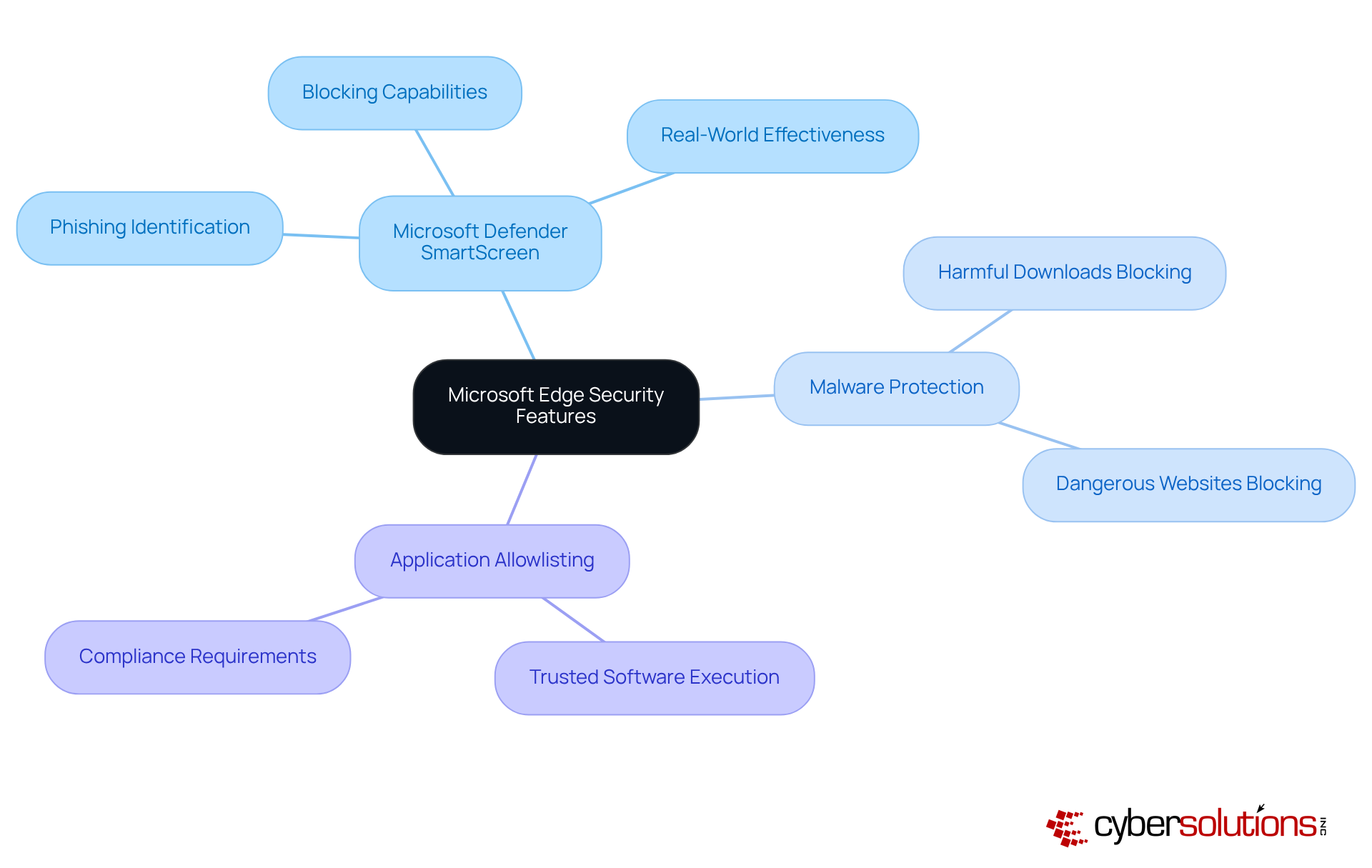
In today's digital landscape, cybersecurity stands as a paramount concern, particularly within the healthcare sector. Microsoft Edge is equipped with a suite of features that significantly enhance protection during online browsing. Central to this is SmartScreen, which plays a crucial role in identifying and blocking phishing sites. Recent information suggests that SmartScreen has attained an impressive identification rate of over 99% for phishing sites, effectively stopping individuals from accessing potentially harmful content. This proactive measure is complemented by built-in malware protection, which automatically blocks harmful downloads and dangerous websites, further enhancing safety.
Experts emphasize the importance of SmartScreen in the fight against phishing attacks. One professional noted that 'SmartScreen acts as a vital line of defense, continuously evolving to detect and block emerging threats.' This dynamic capability not only improves safety for individuals but also promotes a more secure browsing environment. Real-world examples illustrate SmartScreen's effectiveness; numerous phishing attempts have been thwarted thanks to its robust detection algorithms. For instance, organizations utilizing Microsoft Edge have reported a significant reduction in phishing incidents, attributing this success to SmartScreen's vigilant monitoring and blocking capabilities.
In conjunction with SmartScreen, implementing application allowlisting can further strengthen cybersecurity measures. By ensuring that only pre-approved applications can execute, organizations can significantly reduce the risk of malware and ransomware attacks. This proactive approach not only minimizes vulnerabilities but also helps in meeting regulatory compliance, which is particularly crucial for healthcare organizations. Continuous monitoring and centralized management of allowlists enhance this strategy, ensuring that only trusted software is permitted to run.
By utilizing these advanced protective features alongside regular updates, individuals can significantly improve their online security, decreasing the risk of cyber threats for a safer browsing experience. Users can adjust settings by navigating to Settings > Privacy, search, and services > Security in Microsoft Edge.
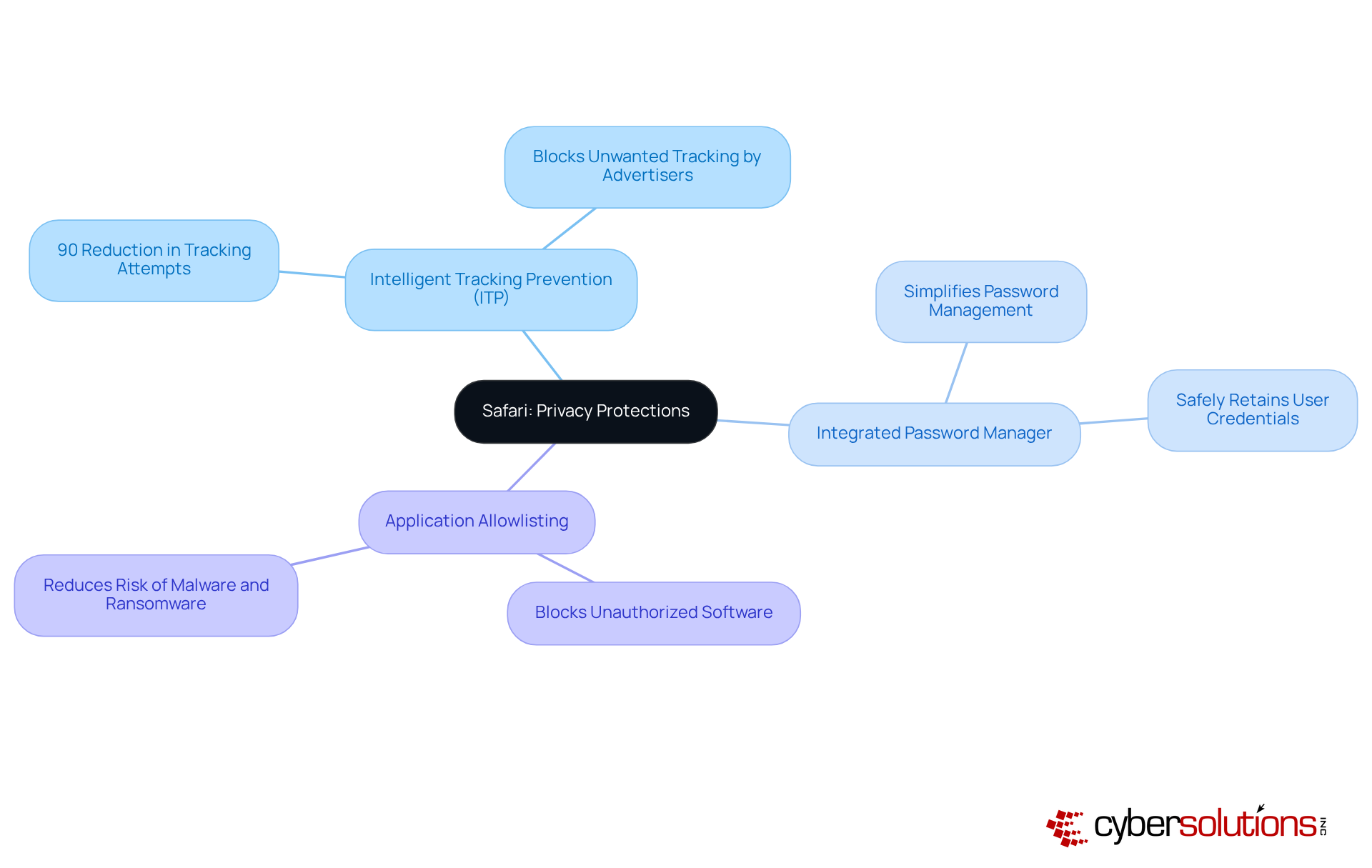
In an era where online privacy is paramount, Safari stands out as a browser that prioritizes individual privacy and safety. Its Intelligent Tracking Prevention (ITP) feature effectively blocks unwanted tracking by advertisers, significantly reducing the risk of data exposure. Recent studies indicate that ITP can decrease tracking attempts by up to 90%, showcasing its effectiveness in protecting user information. Furthermore, Safari's integrated password manager simplifies the process for individuals to manage their passwords without jeopardizing safety. Experts emphasize that utilizing such features is crucial for maintaining privacy in an increasingly digital world.
To bolster security further, implementing security policies alongside Safari ensures that only approved applications run on your network. This strategy effectively blocks unauthorized software, thereby enhancing overall security. By leveraging these security measures, Safari users can enjoy a browsing experience that provides a safer online experience while adhering to best practices. The combination of robust features and proactive security measures positions Safari as a vital ally in navigating the complexities of cybersecurity in today's digital landscape.
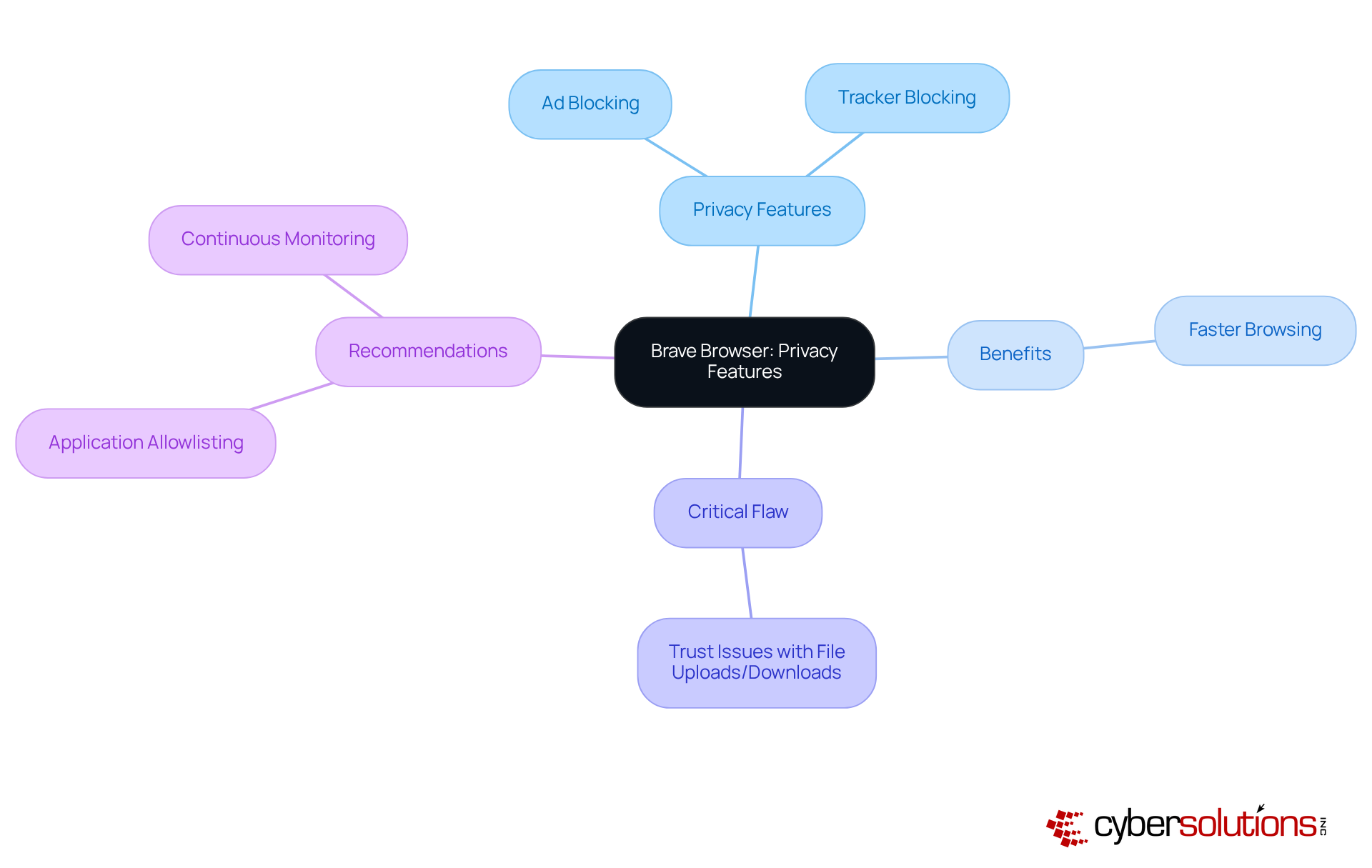
Brave Browser stands at the forefront of privacy, prioritizing user security with its features, including built-in ad and tracker blocking. These tools not only protect personal information but also significantly improve browsing speed by minimizing the load from unwanted advertisements. Users of Brave have reported faster page loading times, as the browser eliminates the need to download numerous ads and trackers that typically impede web performance.
However, users must remain vigilant, as malware can be introduced during file uploads and downloads. To bolster protection, organizations should consider implementing endpoint security solutions, which proactively prevents unauthorized software from executing, thereby enhancing overall security.
By choosing Brave, users can enhance their online privacy, effectively reducing their digital footprint. Integrating a comprehensive security strategy, including regular updates and continuous monitoring, can further shield against emerging threats, aligning with Cyber Solutions' commitment to user safety.
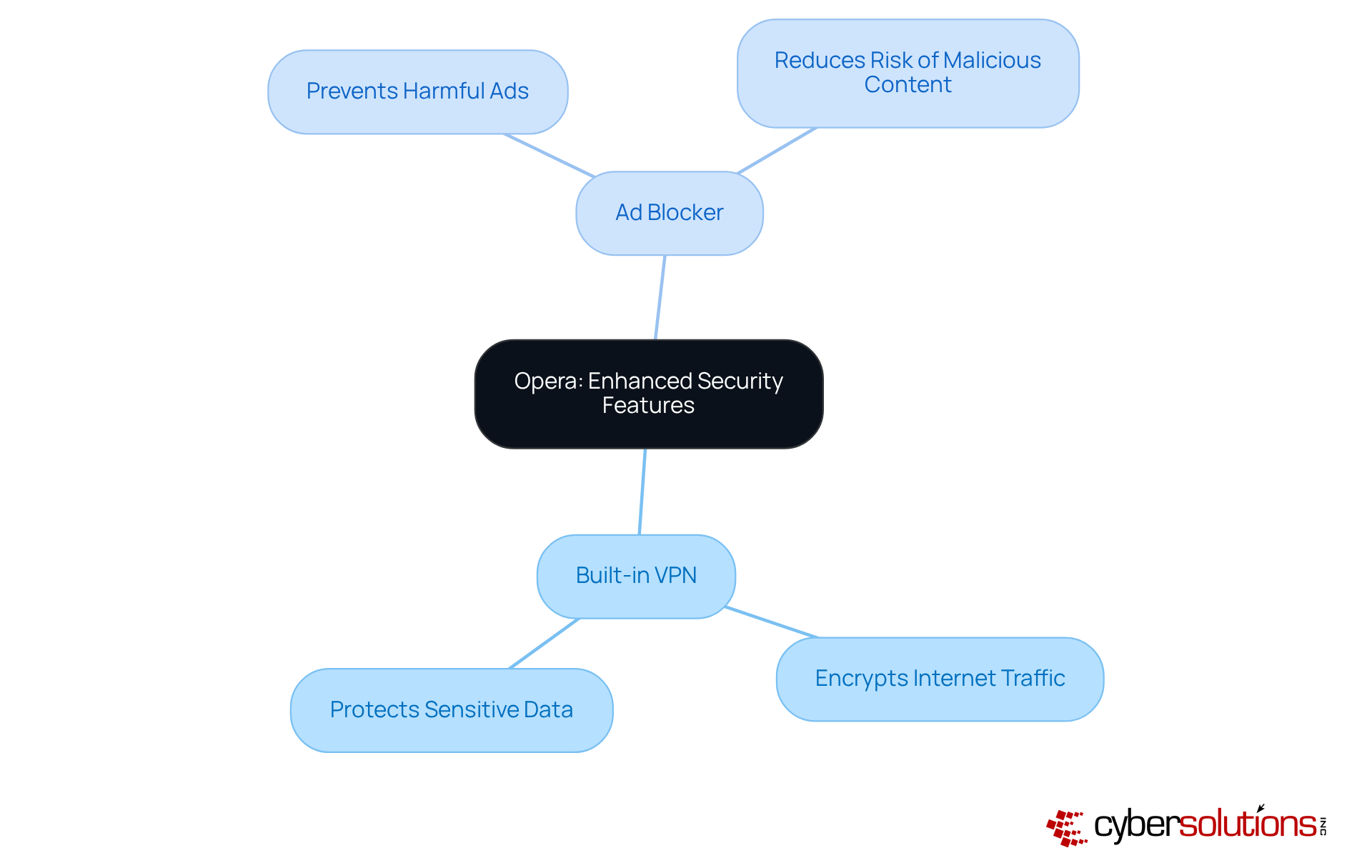
In an era where online security is paramount, Opera distinguishes itself as a web browser by offering users a formidable shield against cyber threats. The VPN encrypts internet traffic, making it exceedingly difficult for third parties to monitor individual online behavior. This level of encryption is crucial for maintaining privacy, especially in a landscape rife with potential breaches.
Furthermore, Opera's ad blocker plays a vital role in preventing ads from disrupting users' browsing experiences, thereby reducing the risk of encountering malicious content. By leveraging these features, users can significantly enhance their online security, establishing Opera as a top choice for those who prioritize confidentiality and protection in their online interactions.
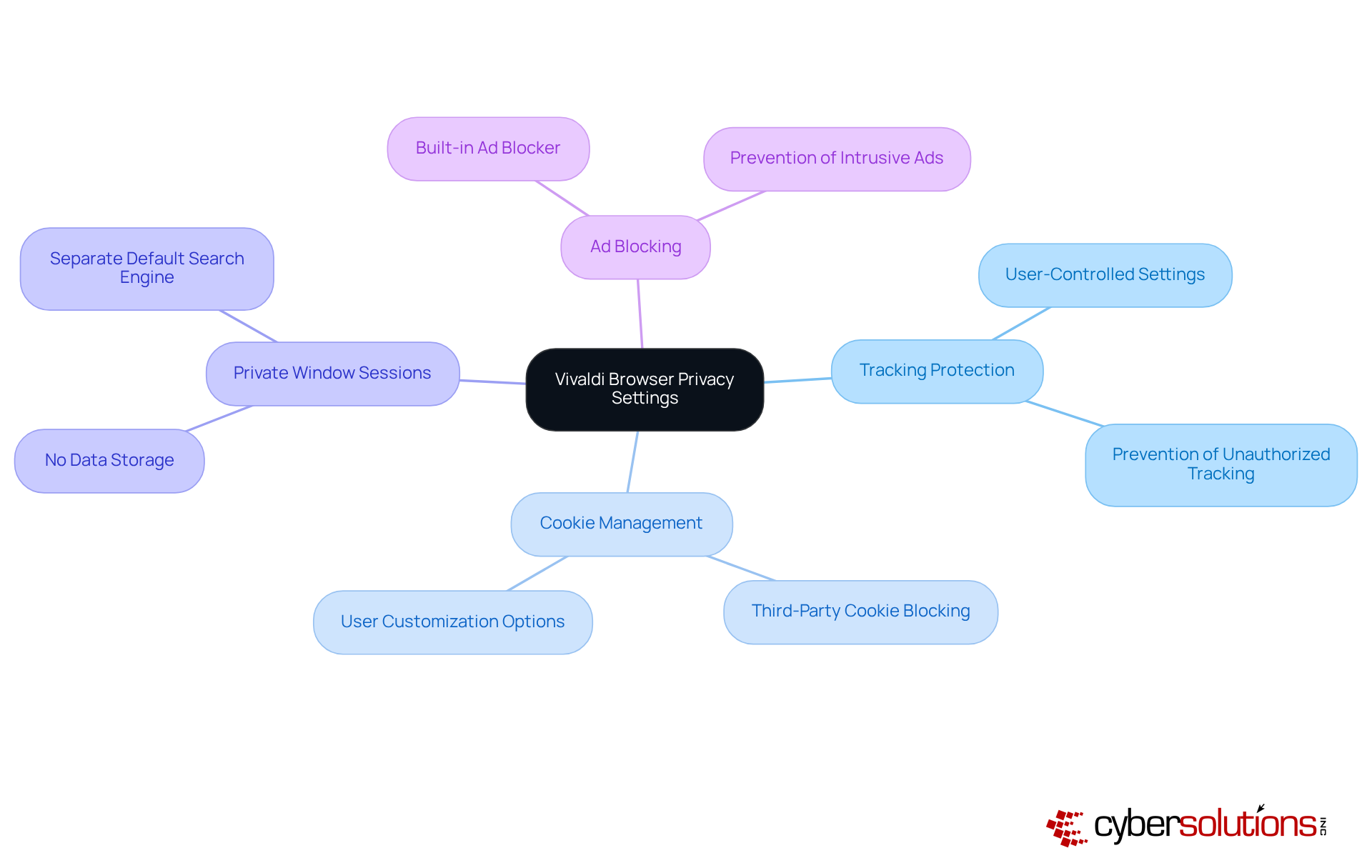
In today's digital landscape, the significance of online security cannot be overstated. Vivaldi Browser stands out with its customizable features, empowering users to tailor their browsing experience to meet specific safety preferences. Individuals can modify various settings, such as tracking protection and cookie management, ensuring their online activities remain confidential. Notably, Vivaldi does not store accessed websites, cookies, or temporary files during Private Window sessions, significantly enhancing user confidentiality.
This degree of customization allows users to create a browsing environment that aligns with their unique protection needs while bolstering their overall security. With an increasing demand for privacy, Vivaldi's approach resonates with those looking for a reliable solution to navigate the web securely and discreetly.
Real-world implementations, such as 'Privacy by Design in Vivaldi,' illustrate how features can effectively reduce risks associated with data breaches and unauthorized tracking. This underscores the critical need for personalized security measures in the current digital age. Furthermore, Vivaldi's ad blocker adds another layer of security, preventing intrusive advertisements that could jeopardize user privacy.
The discussion surrounding safe web browsers underscores the critical importance of cybersecurity in today’s digital landscape. Each browser examined presents unique features and tools specifically designed to enhance user protection against online threats, highlighting that investing in a secure browsing experience is not merely beneficial but essential for safeguarding both personal and organizational data.
Key insights reveal that browsers such as Google Safe Browsing, Mozilla Firefox, and Microsoft Edge are equipped with advanced mechanisms to combat phishing and malware. Additionally, tools like application allowlisting and multi-factor authentication further strengthen security measures. The proactive strategies detailed throughout the article illustrate how organizations and individuals can significantly reduce their vulnerability to cyber threats by adopting safe browsing practices and utilizing the appropriate tools.
Ultimately, the responsibility for maintaining online safety rests with both users and organizations. By embracing the features of these safe web browsers and implementing comprehensive cybersecurity strategies, individuals can navigate the internet with confidence. As cyber threats continue to evolve, remaining vigilant and informed is paramount. Taking proactive steps today will not only protect personal data but also contribute to a more secure digital landscape for everyone.
What services does Cyber Solutions Inc. offer to enhance cybersecurity?
Cyber Solutions Inc. offers a comprehensive range of cybersecurity services including threat detection, incident response, and compliance as a service (CaaS) to help organizations secure their online activities.
Why is cybersecurity considered critical for modern business operations?
Cybersecurity is essential for protecting organizations from digital threats, allowing them to focus on their core operations while ensuring their online presence is safeguarded against evolving cyber risks.
What recent trends indicate the need for robust cybersecurity measures?
There has been an increase in browser-based attacks, with phishing involved in 14% of credential theft breaches. Additionally, 68% of breaches are attributed to unintentional human errors, highlighting the need for effective training and email filtering tools.
How does Cyber Solutions Inc. ensure effective threat detection and incident response?
Cyber Solutions utilizes advanced monitoring systems to detect threats and respond promptly to incidents, minimizing disruption to client operations and maintaining organizational resilience.
What is Google Safe Browsing and how does it contribute to cybersecurity?
Google Safe Browsing is a feature integrated into various web browsers that provides alerts about potentially harmful websites by verifying URLs against a database of phishing and malware sites, helping to protect users from online threats.
How effective is Google Safe Browsing in reducing phishing attempts?
Organizations using Google Safe Browsing report a significant decrease in successful phishing attempts, demonstrating its effectiveness as a protective measure in real-world scenarios.
What practical tips does Duke University's Safe Browsing Guide provide for secure internet usage?
The guide recommends creating strong passwords, enabling multi-factor authentication (MFA), securing Wi-Fi connections, and using a Virtual Private Network (VPN) to enhance online security.
What strategies can individuals employ to combat phishing scams?
Individuals should verify sender email addresses and inspect links before clicking to avoid falling victim to phishing scams.
How can individuals contribute to a safer digital environment?
By adopting best practices like using strong passwords, enabling MFA, and being vigilant online, individuals can protect themselves and help foster a safer digital community.
Managed IT Service Provider | Cyber Security | Incident Response | Compliance As A Service | Hosted Phone Service | Managed Security Service Provider | AI As A Service