
Creating An AI Acceptable Use Policy
Let your team use AI with confidence. Put clear rules around the tools they use, the data they share, and the work they deliver.
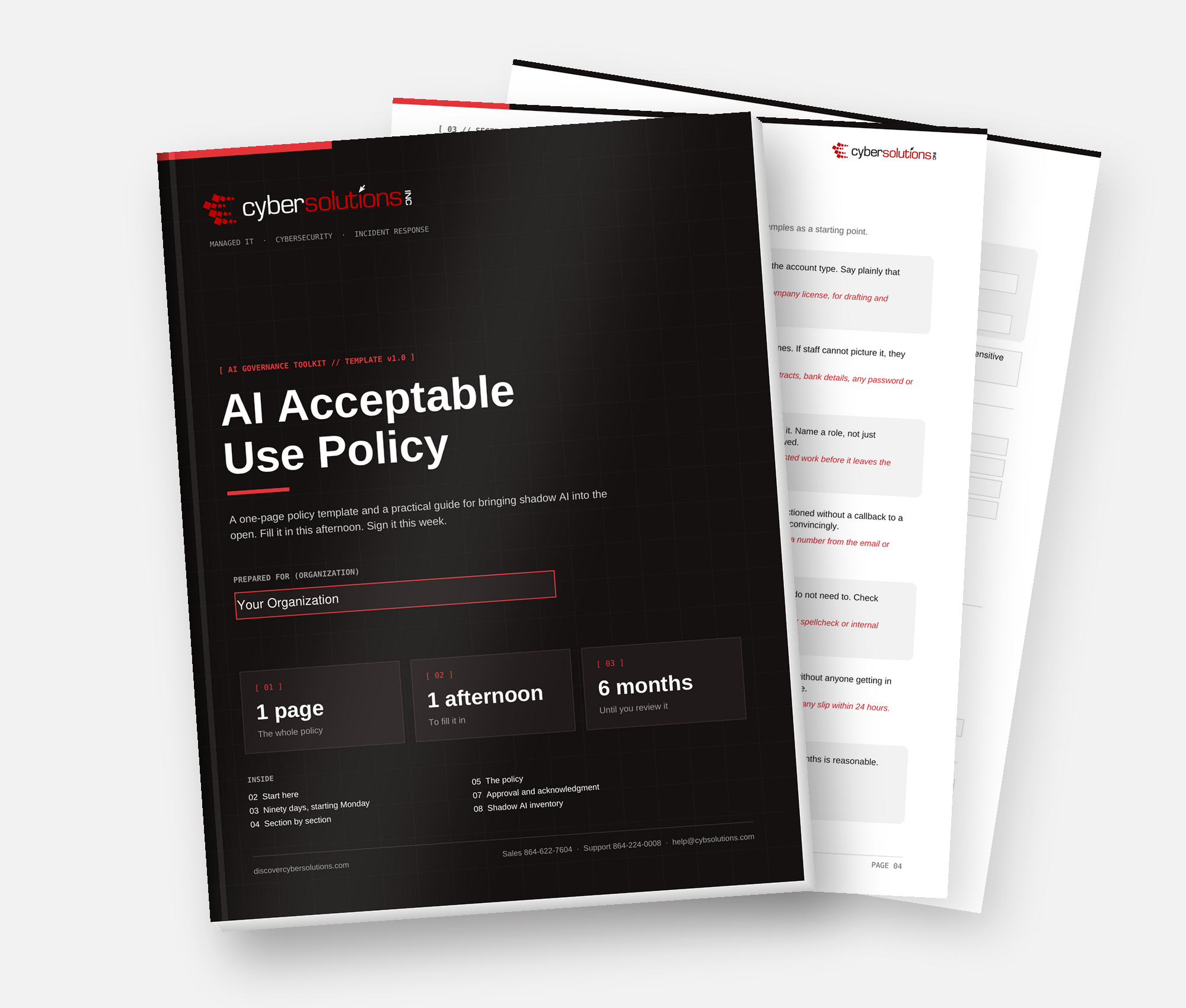
A short policy people actually follow.
An AI acceptable use policy does not need to be a twelve-page document. Start with decisions your team can apply today. Identify the tools, protect your sensitive data, keep a human responsible for the outcome, and make it easy to ask for help.
THE POLICY ESSENTIALS
Seven rules. One clear starting point.
Adapt each rule to your business. Give every employee the same expectations, whether they use a chatbot, a browser extension, or AI built into everyday software.
Approved tools
Name the specific AI tools and work accounts employees may use. Anything else needs approval before use.
Data that stays out
List your actual restricted data: client records, payroll, contracts, credentials, personal information, and regulated data. Do not enter it into unapproved tools.
Human verification
Treat AI output as a draft. A named person checks facts, sources, calculations, and suitability before it reaches a customer.
Payment verification
Never act on a change to banking or payment details without a callback to a known, independently verified number.
Disclosure
Define when employees must tell clients or colleagues that AI was involved. Account for your contracts and applicable requirements.
Ask and report
Name a person to ask when unsure, and a clear way to report accidental uploads or suspicious output without fear of blame.
A real review date
Assign an owner and a specific review date. Six months is a useful starting point; review sooner when tools or risks change.
Written, reviewed, and shared beats perfect and unfinished.
GUARDRAILS THAT FIT YOUR BUSINESS
Start simple. Invest where it matters.
Begin with the controls already available to you. Tool capabilities and licensing costs vary.
Start with what you have
This week
- Pick and name your approved tools.
- Review training and data-retention settings where available.
- Write your one-page policy.
- Introduce the payment callback rule.
- Talk your team through the rules.
Targeted investment
This month
- Evaluate business tiers and their data protections.
- Enable multi-factor authentication on work accounts.
- Inventory AI features already in your software.
- Audit browser extensions and connected apps.
- Train staff using three realistic examples.
Ongoing protection
Build accountability
- Maintain visibility into the AI tools actually in use.
- Strengthen email security against AI-assisted phishing.
- Control endpoint applications and browser extensions.
- Review tool permissions at least annually.
- Assign an accountable owner and implement zero trust.
FROM POLICY TO PRACTICE
Your first ninety days.
DAYS
01 to 30
Find out what is happening
- Ask your team what they already use, without blame.
- List software with AI features switched on.
- Write and circulate a short, usable policy.
DAYS
31 to 60
Improve one workflow
- Choose one high-friction process, not five.
- Evaluate an approved business-tier tool for that team.
- Compare time spent and quality before and after.
DAYS
61 to 90
Harden and expand
- Audit extensions, integrations, and permissions.
- Run a deepfake and phishing exercise with staff.
- Choose your next workflow based on what you learned.
A policy is the start.
Governance makes it stick.
Cyber Solutions helps translate written rules into real oversight: approved tools, secure identities, controlled browser activity, and an accountable owner.
Discuss AI governanceAI policy questions, answered.
This guidance is educational. Adapt your policy to your business, contracts, and applicable requirements.