Introduction
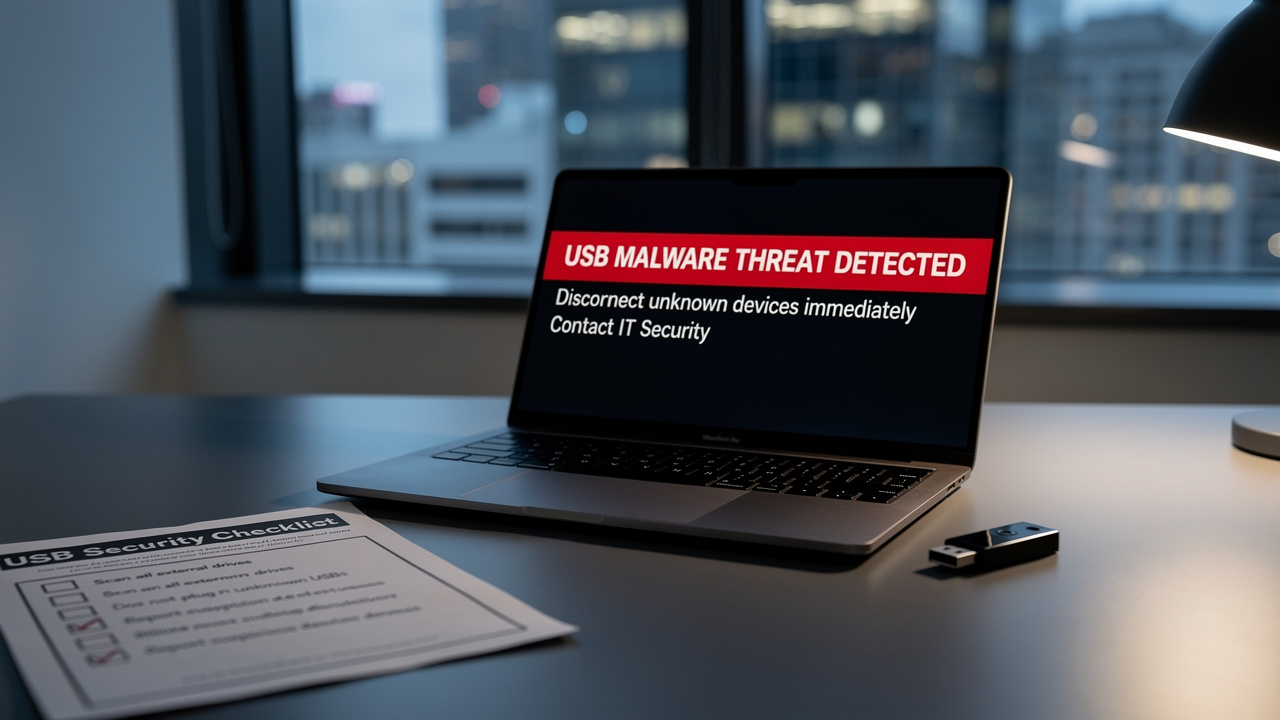
In an era where healthcare organizations are increasingly vulnerable, the rise of USB malware presents a critical challenge that demands immediate attention. As businesses increasingly rely on USB drives for data transfer, they unknowingly expose themselves to a rising tide of malware threats. This alarming trend poses significant risks, particularly for organizations in regulated sectors like healthcare and finance, where data breaches can lead to catastrophic financial repercussions and regulatory penalties.
What steps can organizations take to shield themselves from these lurking threats? By implementing proactive strategies and staying informed about the evolving landscape of USB malware, organizations can not only fortify their defenses but also safeguard their critical assets against emerging cyber threats.
Define USB Malware and Its Impact on Businesses
In an era where threats like malware on USB drives are on the rise, understanding their implications for healthcare organizations is crucial. USB threats can severely impact businesses, resulting in data breaches, financial losses, and major operational disruptions. For instance, malicious software can exfiltrate sensitive information, corrupt critical files, or even lock users out of their systems, demanding ransom for restoration. Are you aware of how quickly a USB threat can disrupt your operations? Recent statistics indicate that 51% of attacks involving malware on USB drives are now designed specifically for these devices, marking a nearly six-fold increase from previous years. This alarming trend highlights why organizations must fully understand these risks.
Significant events, like the breach of Singapore's telecommunications sector by a China-linked group, emphasize the weaknesses related to USB threats. Furthermore, the FBI has issued warnings about hacker groups distributing malware on USB drives that are disguised as gifts, underscoring the need for vigilance. Without immediate action, your organization could face devastating consequences. By implementing robust cybersecurity strategies, such as application allowlisting, organizations can better allocate resources and develop effective defenses against these pervasive challenges.

Explore How USB Malware Attacks Occur
In an era where healthcare data breaches are on the rise, understanding USB threats is more critical than ever for safeguarding sensitive information. USB threats can manifest through several sophisticated methods, each exploiting vulnerabilities in human behavior and technology. Key attack vectors include:
- Infected USB Sticks: Attackers frequently leave infected USB sticks in public areas, preying on human curiosity. When unsuspecting individuals connect these devices to their computers, they inadvertently trigger the installation of malware on USB drives, which compromises their systems. Notable historical examples include the Stuxnet attack on Iran's nuclear program and the Ukraine power grid attacks, which illustrate the severe implications of such tactics.
- BadUSB Attacks: This advanced technique involves reprogramming the firmware of USB devices to execute harmful commands upon connection. For example, a USB storage device can be manipulated to function as a keyboard, executing malicious commands without the user's knowledge or consent.
- Social Engineering: Cybercriminals often use social engineering tactics to convince employees to connect USB devices, presenting them as legitimate items or gifts. This method capitalizes on trust and the desire to assist others.
- Malicious Software Execution: If the autorun feature is enabled on a host computer, connecting a USB drive can trigger automatic execution of malicious software, leading to immediate infection without any user interaction. Disabling this feature is a critical step in reducing risks related to USB threats.
Ignoring USB threats can lead to devastating breaches, jeopardizing patient data and organizational integrity. Recent trends indicate a resurgence in USB-related threats, with 51% of attacks targeting USB devices, a significant increase from just 9% in 2019, as highlighted in the Honeywell 2024 USB Threat Report. This underscores the urgent need for organizations to implement robust cybersecurity measures to defend against these evolving threats. Without immediate action, organizations risk falling victim to increasingly sophisticated USB attacks. Cybersecurity experts stress the significance of user training and the deactivation of autorun features as essential measures in reducing risks linked to USB infection threats. Organizations that fail to address these USB threats may find themselves facing not just financial losses, but a complete erosion of trust from patients and stakeholders alike.

Implement Strategies to Protect Against USB Malware
In an era where data breaches are rampant, the healthcare sector faces unique cybersecurity challenges that demand immediate attention. To effectively combat USB malware, businesses should implement the following strategies:
- Utilize Encrypted USB Devices: Choose encrypted USB devices that employ Advanced Encryption Standard (AES) 256 to safeguard sensitive information. This guarantees that even if a storage device is lost or stolen, the information remains protected, significantly lowering the risk of unauthorized access. Did you know that over 90% of data breaches involve removable media? This statistic underscores the importance of this measure.
- Disable Autorun Features: Turn off the autorun feature on all computers to prevent automatic execution of programs when a USB is connected. This simple measure can drastically lower the chances of infections caused by malware on USB drives.
- Implement Access Controls: Restrict USB access to authorized personnel only. Establishing clear policies that define who can use USB devices within the organization helps mitigate risks associated with unauthorized usage.
- Regularly Update Antivirus Software: Ensure that all systems are equipped with up-to-date antivirus software capable of detecting and neutralizing threats from USB devices before they can inflict damage.
- Conduct Employee Training: Educate employees about the risks linked to USB drives and the importance of avoiding unknown devices. Regular training sessions foster a culture of cybersecurity awareness, empowering staff to act responsibly. As DataLocker highlights, "By providing FIPS 140-2 compliant encryption and continuous security, DataLocker’s encrypted USB devices ensure that sensitive information remains safeguarded from malware on USB drives, even in the event of a USB-based attack."
- Use USB Port Control Solutions: Implement software solutions that monitor and control USB port usage, allowing only approved devices to connect to the network. This adds an additional layer of security against potential threats.
- Review and Update USB Security Policies: Organizations should revisit and update their USB security policies at least annually to adapt to evolving threats and ensure ongoing protection.
By proactively addressing these USB security measures, organizations not only protect their data but also fortify their reputation in an increasingly vulnerable digital landscape.

Understand Compliance Implications of USB Malware
In an era where cybersecurity threats loom large, healthcare organizations face unique compliance challenges that demand immediate attention. Compliance challenges are considerably heightened by USB threats, especially due to the risk of malware on USB drives, particularly for organizations in regulated sectors such as healthcare, finance, and government. Organizations must adhere to various regulations, including:
- HIPAA: In the healthcare sector, the Health Insurance Portability and Accountability Act (HIPAA) mandates strict information protection measures. A breach caused by malware on USB drives could result in severe penalties and a loss of patient trust.
- PCI-DSS: The Payment Card Industry Data Security Standard (PCI-DSS) requires businesses that handle credit card information to maintain strict security protocols. Malware on USB drives could jeopardize cardholder information, leading to significant penalties.
- GDPR: The General Data Protection Regulation (GDPR) imposes strict requirements on information protection for organizations operating in the EU. A breach of information caused by malware on USB drives could lead to considerable fines and legal consequences.
- CMMC: The Cybersecurity Maturity Model Certification (CMMC) is essential for defense contractors. Non-compliance caused by malware on USB drives incidents could jeopardize contracts and future business opportunities.
By understanding these compliance implications, organizations can not only safeguard their data but also secure their future in a highly regulated environment.

Conclusion
In today's digital landscape, the threat of USB malware looms large, posing a significant risk to sensitive business information. As threats evolve, organizations must prioritize comprehensive strategies to mitigate risks associated with USB drives. Failing to address USB malware can lead to catastrophic data breaches and financial ruin. By recognizing the vulnerabilities of these devices and putting strong cybersecurity measures in place, businesses can significantly reduce their exposure to devastating breaches.
The article highlights various attack vectors, including:
- Infected USB sticks
- BadUSB attacks
- Social engineering tactics that exploit human behavior
It underscores the importance of proactive measures such as:
- Disabling autorun features
- Utilizing encrypted USB devices
- Conducting employee training to foster a culture of cybersecurity awareness
Compliance with regulations like HIPAA and PCI-DSS further emphasizes the need for stringent security protocols to protect against the repercussions of USB malware incidents.
In a landscape where data breaches can lead to significant financial losses and reputational damage, organizations must act decisively. Without immediate action, businesses risk falling victim to increasingly sophisticated cyber threats. By investing in security solutions, continuous monitoring, and employee education, businesses can not only defend against USB malware but also uphold their commitment to compliance and data integrity. Ultimately, the choice to prioritize cybersecurity is not just a matter of compliance; it's a strategic imperative for safeguarding the future of your organization.
Frequently Asked Questions
What is USB malware and how does it affect businesses?
USB malware refers to malicious software that spreads through USB drives, posing significant threats to businesses. It can lead to data breaches, financial losses, and operational disruptions by exfiltrating sensitive information, corrupting files, or locking users out of their systems for ransom.
How prevalent is USB malware in recent years?
Recent statistics show that 51% of malware attacks are specifically designed for USB drives, indicating a nearly six-fold increase from previous years, highlighting the growing threat these devices pose.
What are some examples of USB malware incidents?
One significant incident involved the breach of Singapore's telecommunications sector by a China-linked group, which underscores vulnerabilities related to USB threats.
What warnings have been issued regarding USB malware?
The FBI has warned about hacker groups distributing malware on USB drives disguised as gifts, emphasizing the need for organizations to remain vigilant against these threats.
What consequences can organizations face if they do not address USB malware risks?
Organizations that fail to take immediate action against USB malware risks could face devastating consequences, including severe data breaches and operational disruptions.
What cybersecurity strategies can organizations implement to defend against USB malware?
Organizations can implement robust cybersecurity strategies such as application allowlisting to better allocate resources and develop effective defenses against USB malware threats.
List of Sources
- Define USB Malware and Its Impact on Businesses
- kingston.com (https://kingston.com/en/blog/data-security/fbi-warning-companies-mailed-usb-drives)
- Significant Cyber Incidents | Strategic Technologies Program | CSIS (https://csis.org/programs/strategic-technologies-program/significant-cyber-incidents)
- honeywell.com (https://honeywell.com/us/en/news/2024/04/cybersecurity-in-2024-usb-devices-continue-to-pose-major-threat)
- coro.net (https://coro.net/blog/why-usb-attacks-are-back-and-how-to-prevent-them)
- Explore How USB Malware Attacks Occur
- coro.net (https://coro.net/blog/why-usb-attacks-are-back-and-how-to-prevent-them)
- industrialcyber.co (https://industrialcyber.co/news/honeywells-2024-usb-threat-report-reveals-significant-rise-in-malware-frequency-highlighting-growing-concerns)
- picussecurity.com (https://picussecurity.com/resource/blog/raspberry-robin-malware-in-2025-from-usb-worm-to-elite-initial-access-broker)
- Significant Cyber Incidents | Strategic Technologies Program | CSIS (https://csis.org/programs/strategic-technologies-program/significant-cyber-incidents)
- honeywell.com (https://honeywell.com/us/en/news/2024/04/cybersecurity-in-2024-usb-devices-continue-to-pose-major-threat)
- Implement Strategies to Protect Against USB Malware
- kingston.com (https://kingston.com/en/blog/data-security/fbi-warning-companies-mailed-usb-drives)
- sasa-software.com (https://sasa-software.com/learning/best-practices-for-usb-safety-in-enterprises)
- coro.net (https://coro.net/blog/why-usb-attacks-are-back-and-how-to-prevent-them)
- datalocker.com (https://datalocker.com/blog/preventing-usb-attacks-in-2024-the-importance-of-encrypted-usb-devices-and-always-on-security)
- discovercybersolutions.com (/cyber-security-news/protect-your-business-best-practices-against-usb-flash-drive-hacks)