

Introduction
In today's world, where data breaches and natural disasters are ever-present threats to organizations, the importance of disaster recovery storage is paramount. This essential element of business continuity not only safeguards vital information but also ensures that it can be quickly restored, significantly reducing downtime and operational disruption.
But how can organizations effectively implement best practices to strengthen their disaster recovery strategies? By examining key techniques and compliance considerations, this article explores the strategies that empower businesses to protect their data and maintain resilience in the face of adversity.
Define Disaster Recovery Storage and Its Importance
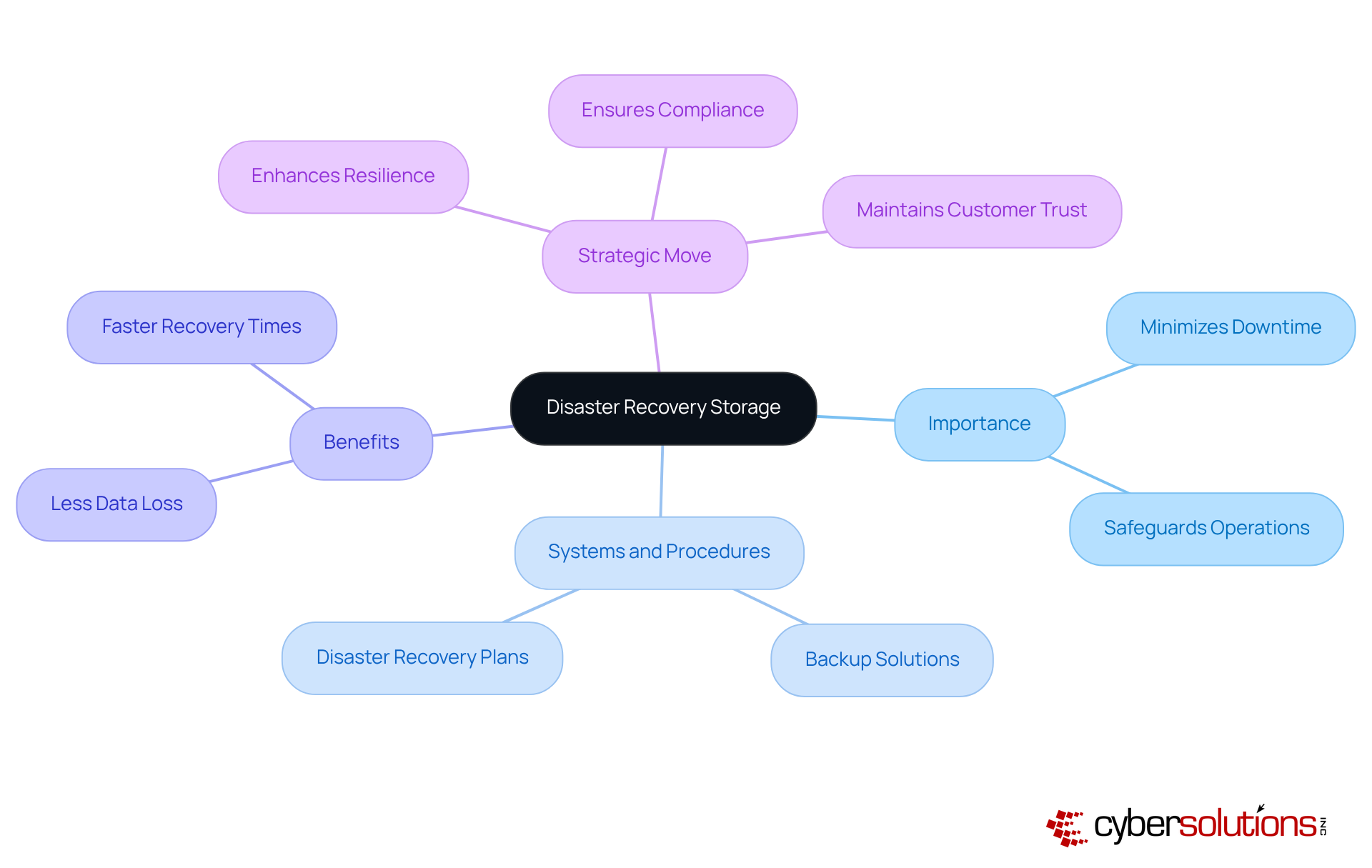
is crucial for any organization, especially in today's unpredictable landscape. It encompasses the systems and procedures used to back up and restore information during emergencies, such as floods, natural disasters, or hardware failures. The importance of this cannot be overstated; it ensures that vital information is preserved and can be swiftly restored, thereby minimizing downtime and operational disruption.
According to the 2025 State of Backup and Restoration Report, organizations with effective disaster recovery plans experience significantly less downtime. This not only safeguards their operations but also directly influences their profit margins. By investing in disaster recovery storage solutions, companies enhance their resilience against unforeseen events, ensuring business continuity and maintaining customer trust.
In a world where data breaches and disasters are increasingly common, the question arises: can your organization afford to overlook disaster recovery? Prioritizing this aspect of your operations is not just a safeguard; it's a critical measure against potential threats. Don't wait for a crisis to highlight the gaps in your strategy - take action now to secure your organization's future.
Implement Best Practices for Disaster Recovery Storage Solutions
To implement effective disaster recovery storage solutions, organizations must prioritize strategies that safeguard their data and ensure business continuity.
- Adopt the 3-2-1 Rule: Maintaining three copies of your information on two different media types, with one copy stored offsite, is crucial. This strategy not only ensures redundancy but also protects against various types of data loss. Are you prepared for unexpected data breaches?
- Review Your Contingency Plan: Regular evaluations of your contingency plan are essential to confirm its effectiveness. Updating the plan as technology and business processes evolve ensures that your organization remains resilient in the face of change.
- Utilize Cloud Solutions: Cloud computing offers unparalleled scalability and accessibility. By leveraging cloud-based solutions, organizations can achieve rapid recovery options while minimizing the need for extensive physical infrastructure.
- Implement Data Encryption: Protecting sensitive information is non-negotiable. Ensure that all data, both in transit and at rest, is encrypted to guard against unauthorized access and potential breaches.
- Automate Backups: Human error can jeopardize data integrity. By automating backup processes, organizations can schedule regular backups, ensuring consistent protection of vital information.
By adhering to these best practices, companies can significantly enhance their disaster recovery strategies, equipping themselves to handle any contingency with confidence.

Ensure Compliance with Regulatory Standards in Disaster Recovery
Ensuring adherence to regulatory standards is not just important - it's essential for organizations, particularly those in highly regulated sectors like healthcare and finance. The stakes are high, and understanding the landscape of compliance can make all the difference. Here are some critical considerations:
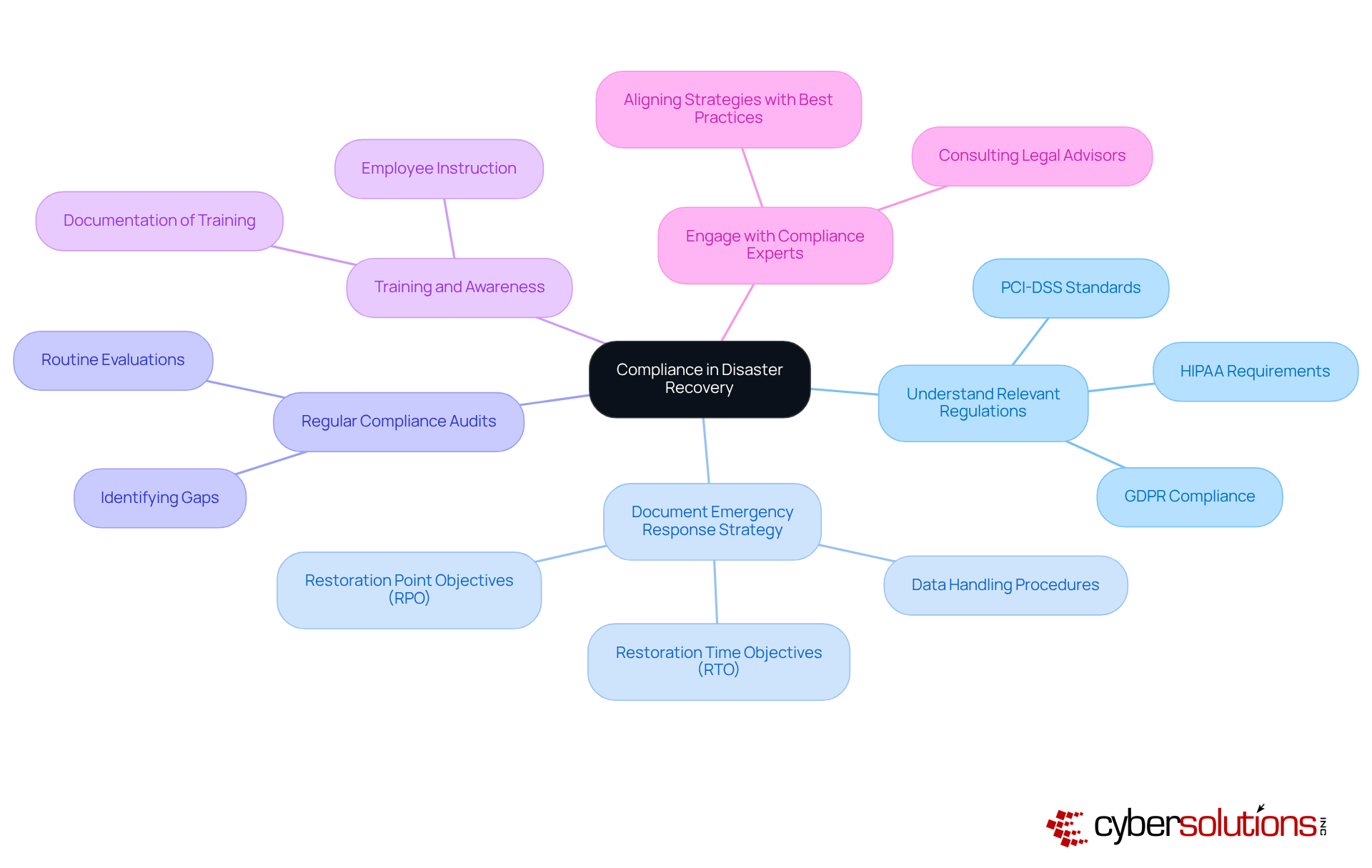
- Understand Relevant Regulations: Familiarize yourself with federal laws, state laws, and industry standards. These regulations outline specific requirements for information protection and restoration. For instance, HIPAA mandates that covered entities establish safeguards to protect electronic protected health information (ePHI), while NIST requires robust security measures in disaster recovery storage during restoration processes.
- Documentation: It's vital to maintain thorough documentation of your disaster recovery plan. This includes policies, restoration time objectives (RTO), and restoration point objectives (RPO). Such documentation is crucial for compliance audits and demonstrates your commitment to regulatory standards.
- Regular Reviews: Conduct routine evaluations of your contingency plan to ensure it meets all regulatory requirements. This proactive approach helps identify gaps and areas for improvement in disaster recovery storage, ensuring your organization remains compliant and prepared for potential incidents.
- Training and Awareness: Providing instruction for employees on compliance requirements and the importance of emergency response is key. A well-informed team is essential for effective implementation and adherence to standards, significantly reducing the risk of non-compliance.
- Engage with Compliance Experts: Consulting with compliance experts or legal advisors can ensure that your disaster recovery strategies align with current regulations and best practices. Their insights can help navigate the complexities of compliance and enhance your entity's resilience.
By prioritizing compliance, organizations not only protect their data but also enhance their reputation and trustworthiness among clients and stakeholders. Are you ready to take the necessary steps to safeguard your organization?
Conclusion
Disaster recovery storage stands as a cornerstone for organizations determined to protect their critical data from unforeseen threats. In today’s unpredictable landscape, prioritizing effective strategies in this domain is not just beneficial; it’s essential for ensuring operational resilience and continuity. By minimizing downtime and potential losses, businesses can safeguard their future. Recognizing the significance of robust disaster recovery storage solutions transcends mere operational necessity; it emerges as a strategic imperative that can define a company’s ability to thrive amidst challenges.
Key practices such as the following are vital in fortifying disaster recovery strategies:
- The 3-2-1 backup rule
- Routine testing
- Cloud solutions
- Encryption
- Automation
Compliance with regulatory standards not only protects data but also maintains trust and credibility with stakeholders. Each of these elements contributes to a comprehensive approach that enhances organizational preparedness and responsiveness to crises.
Ultimately, organizations must grasp that effective disaster recovery storage is not merely about having a plan; it’s about actively engaging in continuous improvement and compliance. As the landscape of threats evolves, so too must the strategies employed to counter them. Are you ready to take proactive steps? Implementing and refining disaster recovery practices now will not only secure valuable data but also position organizations to navigate the complexities of the future with confidence.
Frequently Asked Questions
What is disaster recovery storage?
Disaster recovery storage refers to the systems and procedures used to back up and restore information during emergencies, such as cyberattacks, natural disasters, or hardware failures.
Why is disaster recovery storage important for organizations?
Disaster recovery storage is important because it ensures that vital information is preserved and can be swiftly restored, minimizing downtime and operational disruption during emergencies.
How does effective disaster recovery storage impact data loss and recovery times?
Organizations with robust emergency response solutions experience significantly less data loss and faster recovery times, which safeguards operations and positively influences profit margins.
What are the benefits of investing in crisis management storage?
Investing in crisis management storage enhances an organization's resilience against unforeseen events, ensures compliance with industry regulations, and helps maintain customer trust.
What risks do organizations face if they overlook disaster recovery storage?
Organizations that overlook disaster recovery storage may face increased data loss, longer recovery times, and operational disruptions, which can jeopardize their business continuity and reputation.
What should organizations do to prepare for potential data breaches or disasters?
Organizations should prioritize disaster recovery storage as a strategic move to fortify their business against potential threats and take proactive measures to secure their data protection strategies.
List of Sources
- Define Disaster Recovery Storage and Its Importance
- unitrends.com (https://unitrends.com/resources/the-state-of-backup-and-recovery-report-2025)
- llcbuddy.com (https://llcbuddy.com/data/disaster-recovery-statistics)
- 30 Disaster Recovery Stats You Should Know (https://impactmybiz.com/blog/disaster-recovery-stats)
- Disaster Recovery Statistics Every Business Should Know (https://phoenixnap.com/blog/disaster-recovery-statistics)
- invenioit.com (https://invenioit.com/continuity/disaster-recovery-statistics?srsltid=AfmBOoqPjqZvF9GAAG6ADZvuKJeVw4bRu1Z-68AeO55rEqRb5Ywz3Dy1)
- Implement Best Practices for Disaster Recovery Storage Solutions
- backblaze.com (https://backblaze.com/blog/the-3-2-1-backup-strategy)
- assuranceit.co (https://assuranceit.co/blog/5-important-disaster-recovery-quotes)
- ters.com (https://ters.com/restoration/case_study)
- acronis.com (https://acronis.com/en/blog/posts/backup-rule)
- solutionsreview.com (https://solutionsreview.com/backup-disaster-recovery/world-backup-day-quotes-from-experts-for-2025)
- Ensure Compliance with Regulatory Standards in Disaster Recovery
- hipaajournal.com (https://hipaajournal.com/health-information-privacy-reform-act)
- 101 Compliance Statistics for 2026 (https://spacelift.io/blog/compliance-statistics)
- 115 Compliance Statistics You Need To Know in 2023 - Drata (https://drata.com/blog/compliance-statistics)
- 130+ Compliance Statistics & Trends to Know for 2026 (https://secureframe.com/blog/compliance-statistics)
- 100+ Compliance Statistics You Should Know in 2026 (https://sprinto.com/blog/compliance-statistics)
